Supported onWindowsmacOSLinux (Steam Deck)
Open in
Managing injuries
Use the player's Injury page to remove a current injury or add one with a chosen duration.
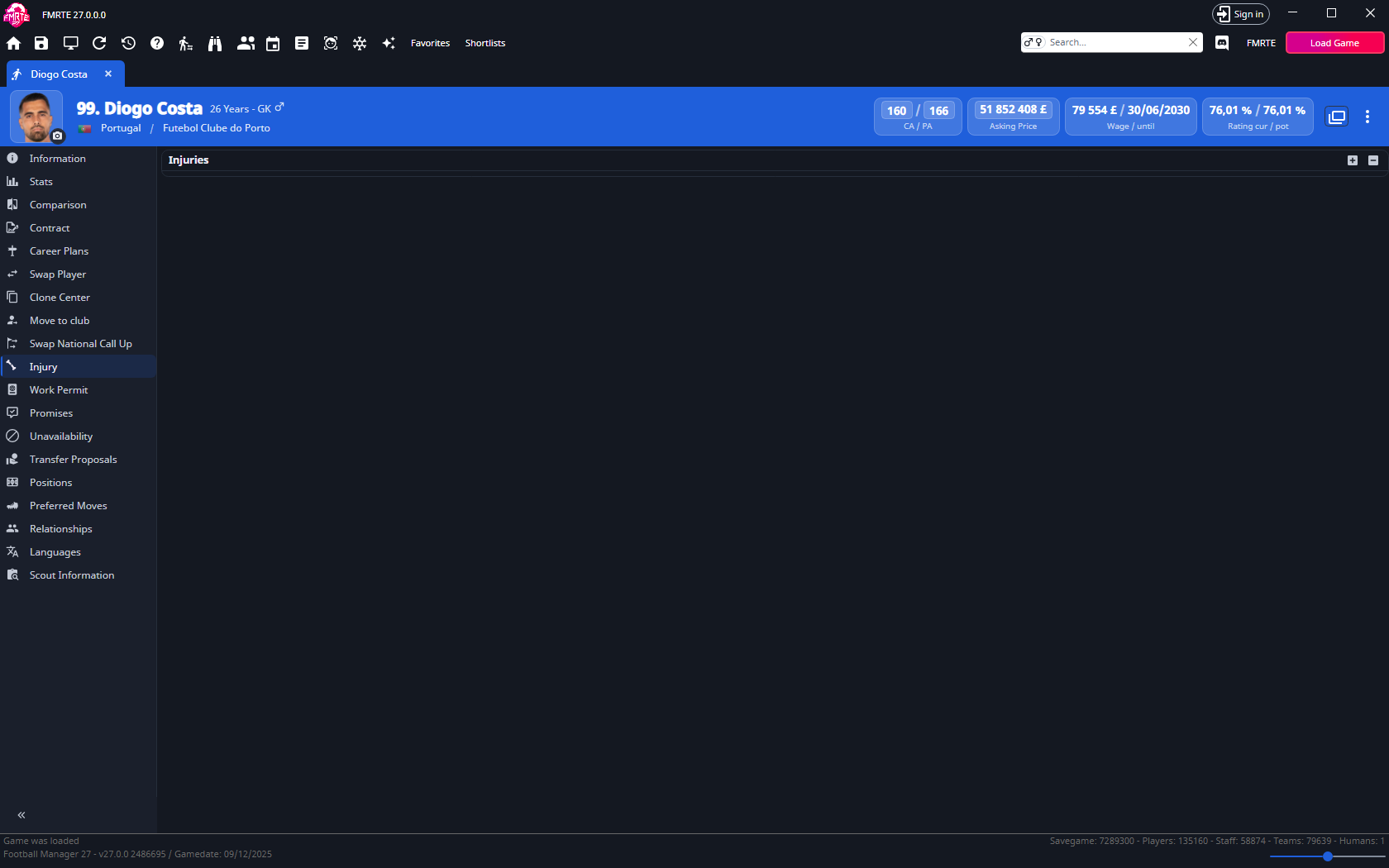
Heal one current injury
- Open Injury and select the injury.
- Use − to remove it.
- Select Save Changes and check the player's availability in Football Manager.
Still unavailable? Check for another injury, a ban or registration restrictions. To heal several players at once, apply the Heal preset to a group.
Add an injury
- Select + on the Injury page.
- Search beside Name and choose the injury.
- Set Minimum Days and Extra Days.
- Choose the treatment flags needed: By Physio, By Specialist, By Injection or By Isolation.
- Save and check the injury and expected absence in Football Manager.
tip
For repeated use, create a preset with an Add injury action.
Reduce future injury risk
Lower Injury Proneness on Player Information to reduce susceptibility. This does not remove an existing injury or guarantee the player stays injury-free.
Recurring injuries
Removing recurring-injury history is not a supported live-editing procedure here. Changing a current injury or Injury Proneness does not erase that history.