Supported onWindowsmacOSLinux (Steam Deck)
Open in
Languages
Open a player's Languages tab to change the languages they speak and their proficiency in each one.
Language proficiency
Each entry has a Name and a Value. Value uses a 0–10 scale, with 0 as the lowest proficiency and 10 as the highest. Buttons on the card set every language to 0 or 10 at once.
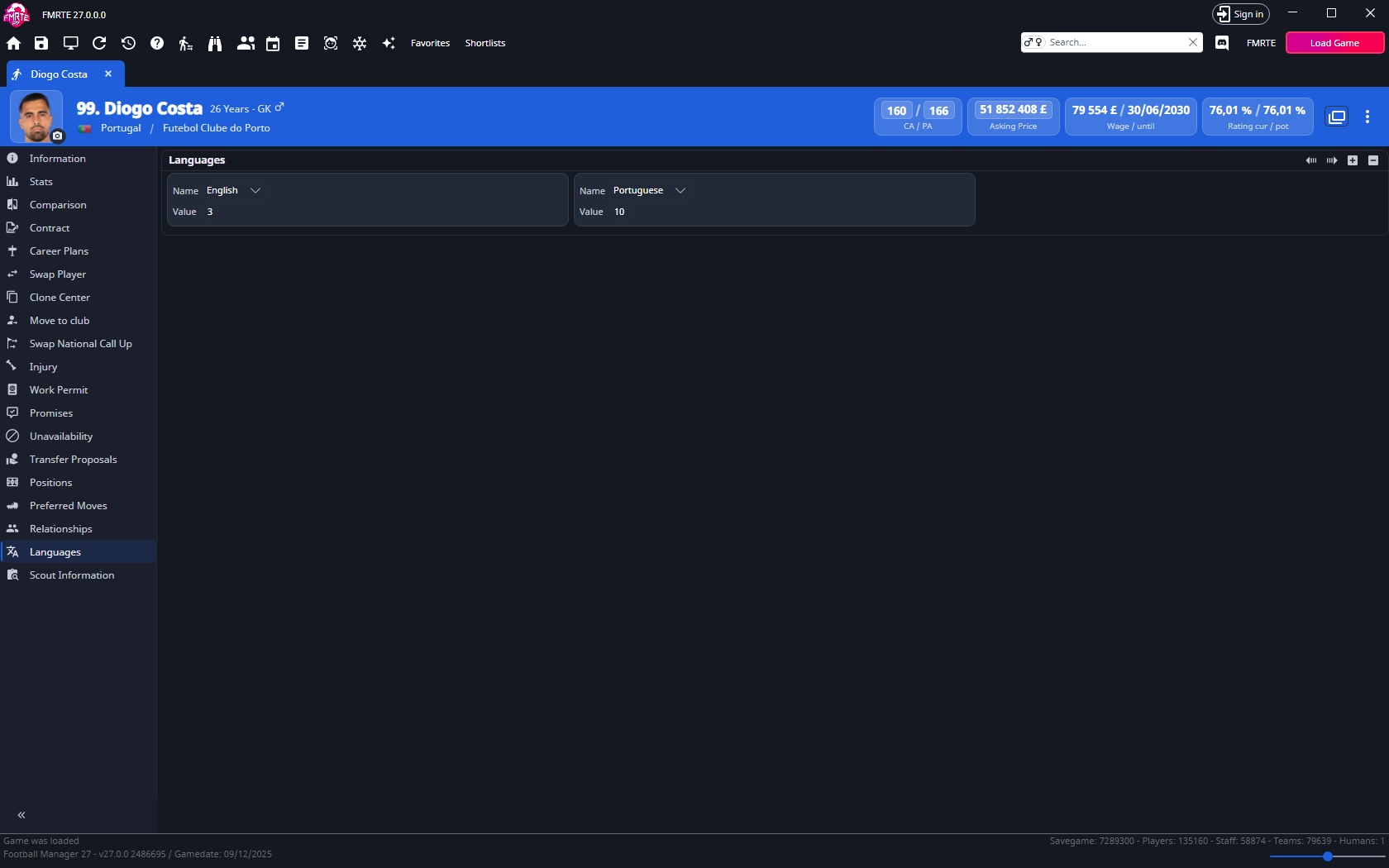
Add a language
- Open the player's Languages tab.
- Select +.
- Choose the language in Name.
- Set Value between 0 and 10.
- Select Save Changes.
- Check the player's languages in Football Manager.
Change proficiency
- Open Languages.
- Change Value for the language you want to edit.
- Select Save Changes.
Remove a language
- Select the language entry.
- Select −.
Adding or removing an entry takes effect immediately and cannot be undone.
tip
To give or remove a language for many people at once, use a preset with a Set language action.