Open in
Editing club finances
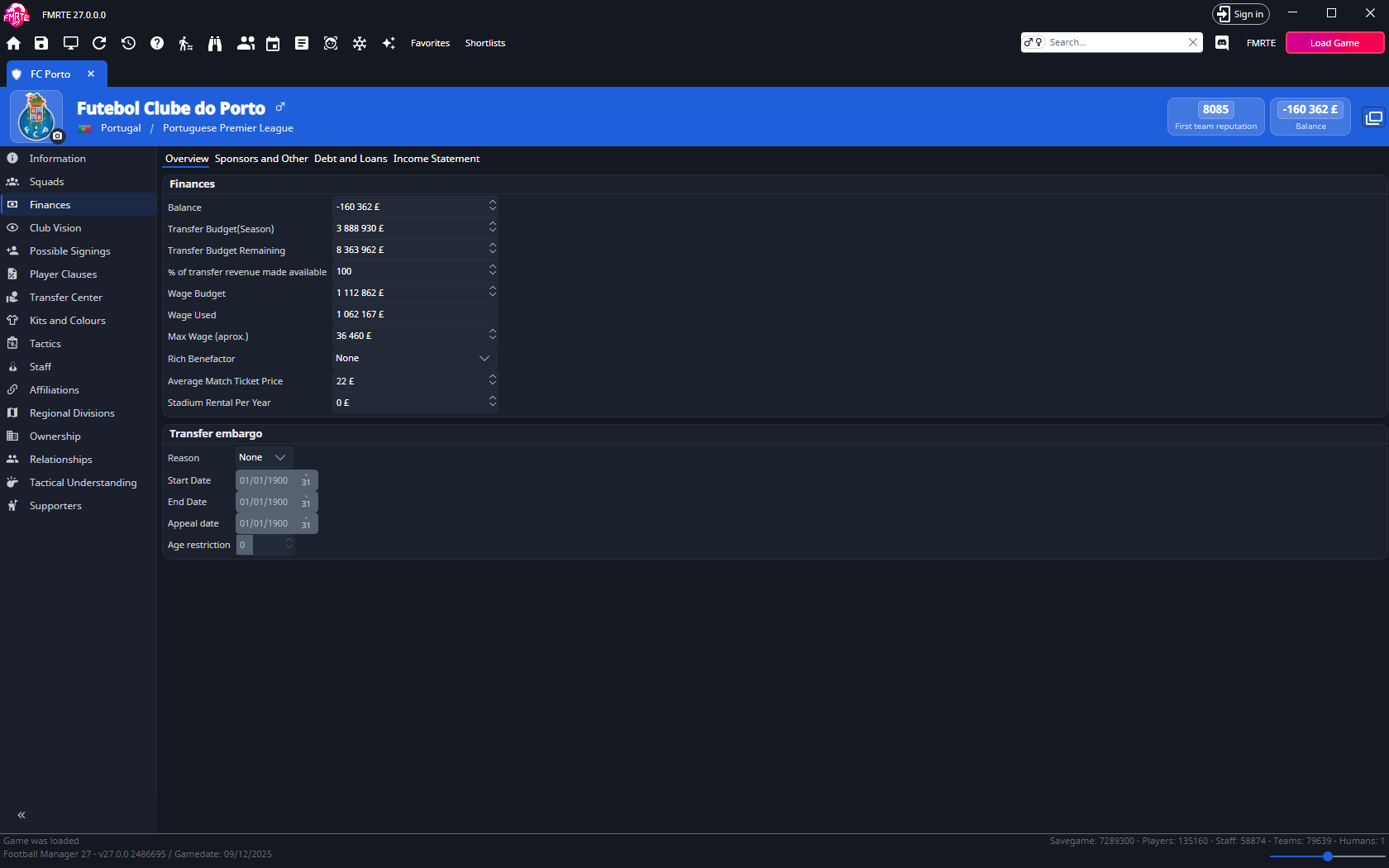
Open Finances → Overview to change a club's money and budgets. Check your currency and wage settings first.
For a worked example, follow Increase a club's transfer budget example.
| Field | Meaning |
|---|---|
| Balance | Current cash |
| Transfer Budget(Season) | Season's transfer allocation |
| Transfer Budget Remaining | Transfer funds still available |
| Wage Budget | Total wage allowance |
| Wage Used | Current wage spending |
| Max Wage (aprox.) | Approximate individual wage limit |
| % of transfer revenue made available | Percentage returned to the transfer budget |
| Transfer embargo | The embargo's Reason, Start Date, End Date, Appeal date and Age restriction (the minimum player age it affects) |
Loans, debts and sponsorship
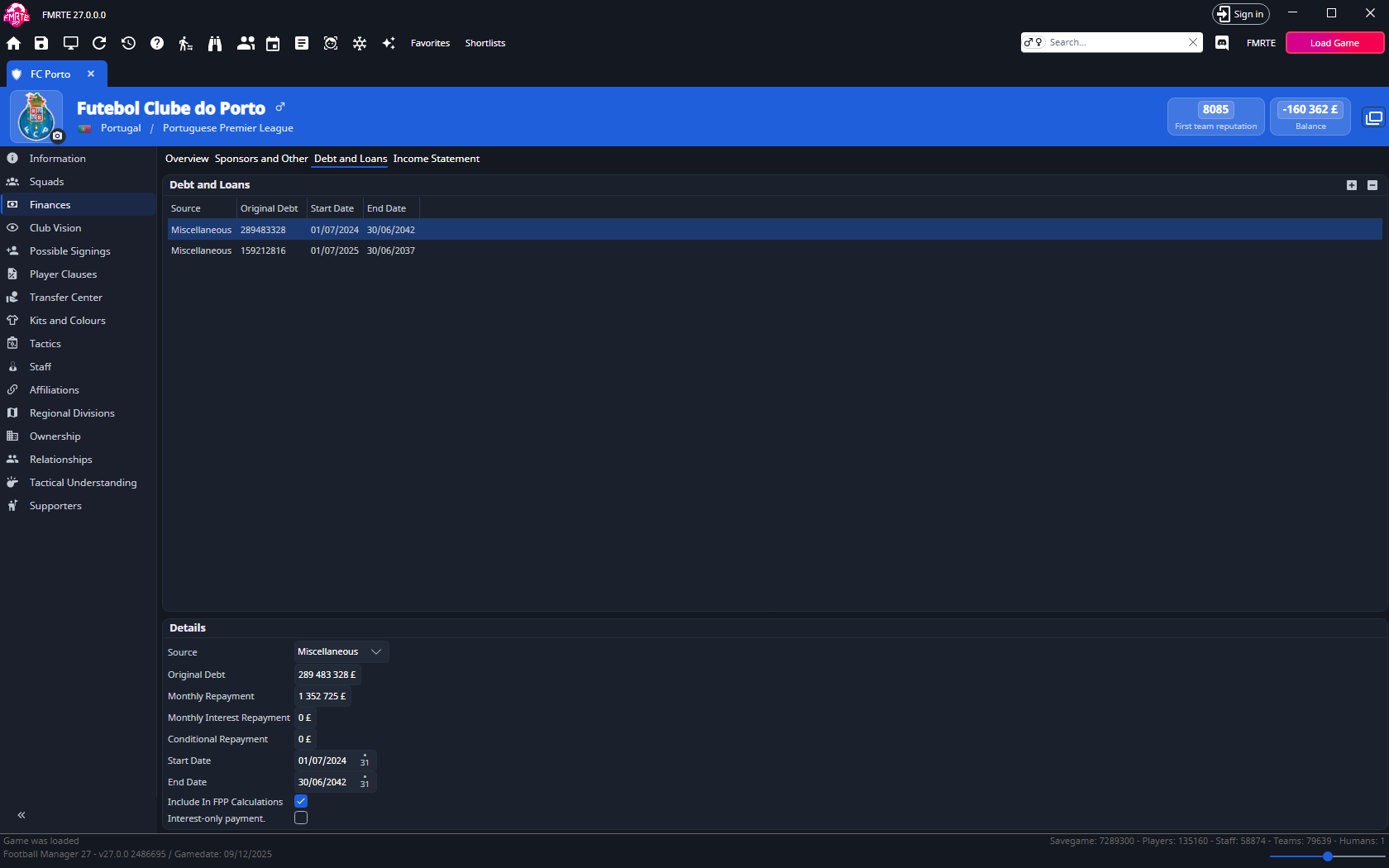
Select a row in Debt and Loans to see its original debt, repayments, interest and dates. Sponsorship and other income also have their own records.
To compare debt across clubs, use Total Debt and Monthly Debt Repayments. They add up the Original Debt and Monthly Repayment of every loan the club has. Transfer instalments owed to other clubs are not included. You can filter on them in a Club Advanced Search or show them as read-only columns in club lists with Add/Remove columns.
Usual questions
I have wage budget left, but the board limits my offer
Wage Budget is the total allowance. Max Wage (aprox.) is a separate limit for an individual offer.
- Note the maximum offer in Football Manager and its weekly, monthly or annual unit.
- Check that FMRTE's wage units match.
- Adjust Max Wage (aprox.) and save.
- Reopen the same negotiation with the same proposed playing time and compare the allowed offer.
I selected a tycoon: why hasn't money arrived?
Rich Benefactor changes a funding/ownership setting. It does not immediately deposit cash or guarantee a payment date. To add a specific amount now, edit Balance.