Supported onWindowsmacOSLinux (Steam Deck)
Open in
Editing club finances
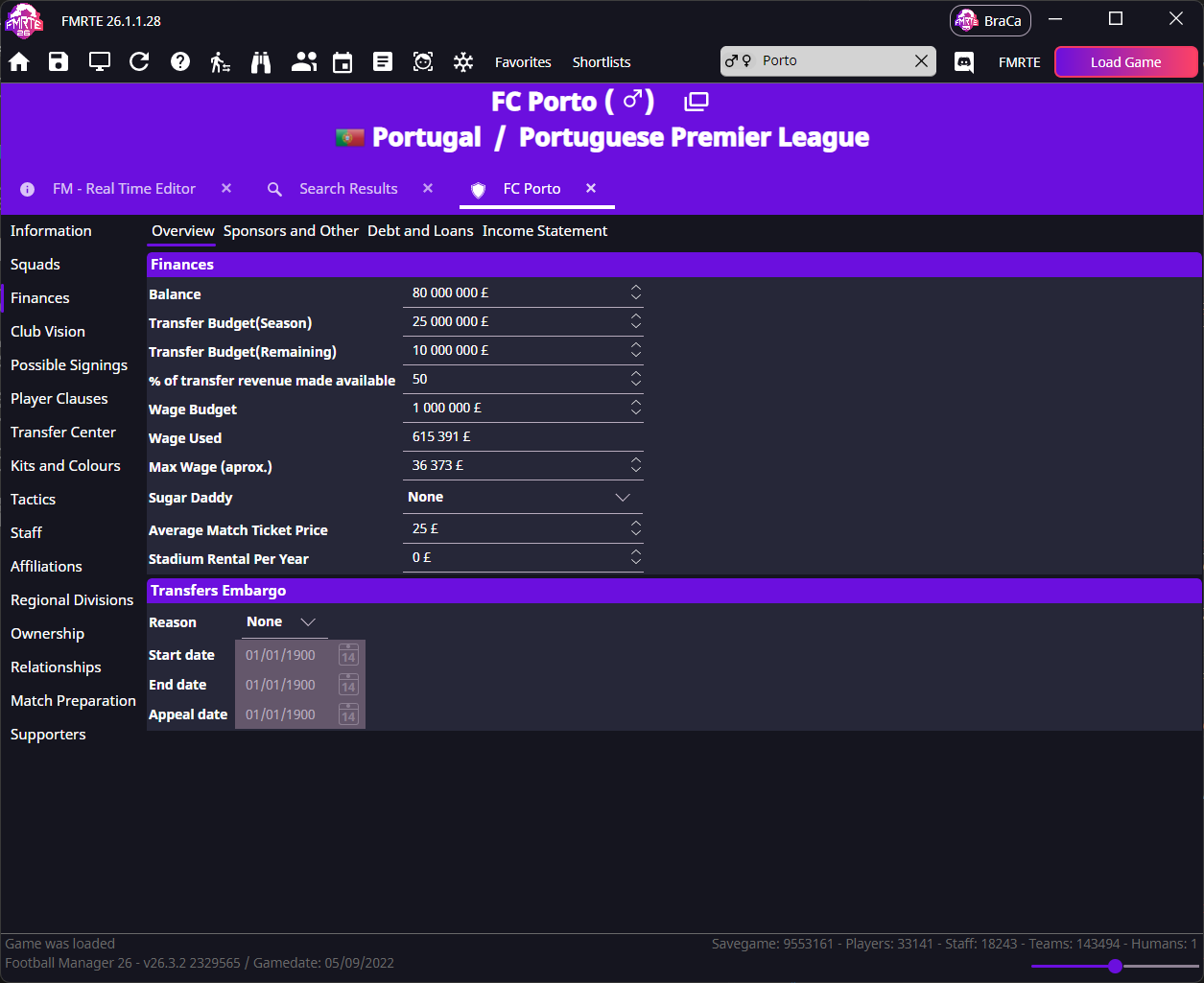
Open Finances → Overview to change a club's money and budgets. Check your currency and wage settings first.
tip
For a worked example, follow Increase a club's transfer budget example.
| Field | Meaning |
|---|---|
| Balance | Current cash |
| Transfer Budget(Season) | Season's transfer allocation |
| Transfer Budget(Remaining) | Transfer funds still available |
| Wage Budget | Total wage allowance |
| Wage Used | Current wage spending |
| Max Wage (aprox.) | Approximate individual wage limit |
| % of transfer revenue made available | Percentage returned to the transfer budget |
| Transfer Embargo Age Restriction | Minimum player age affected by the club's transfer embargo restriction |
Loans, debts and sponsorship
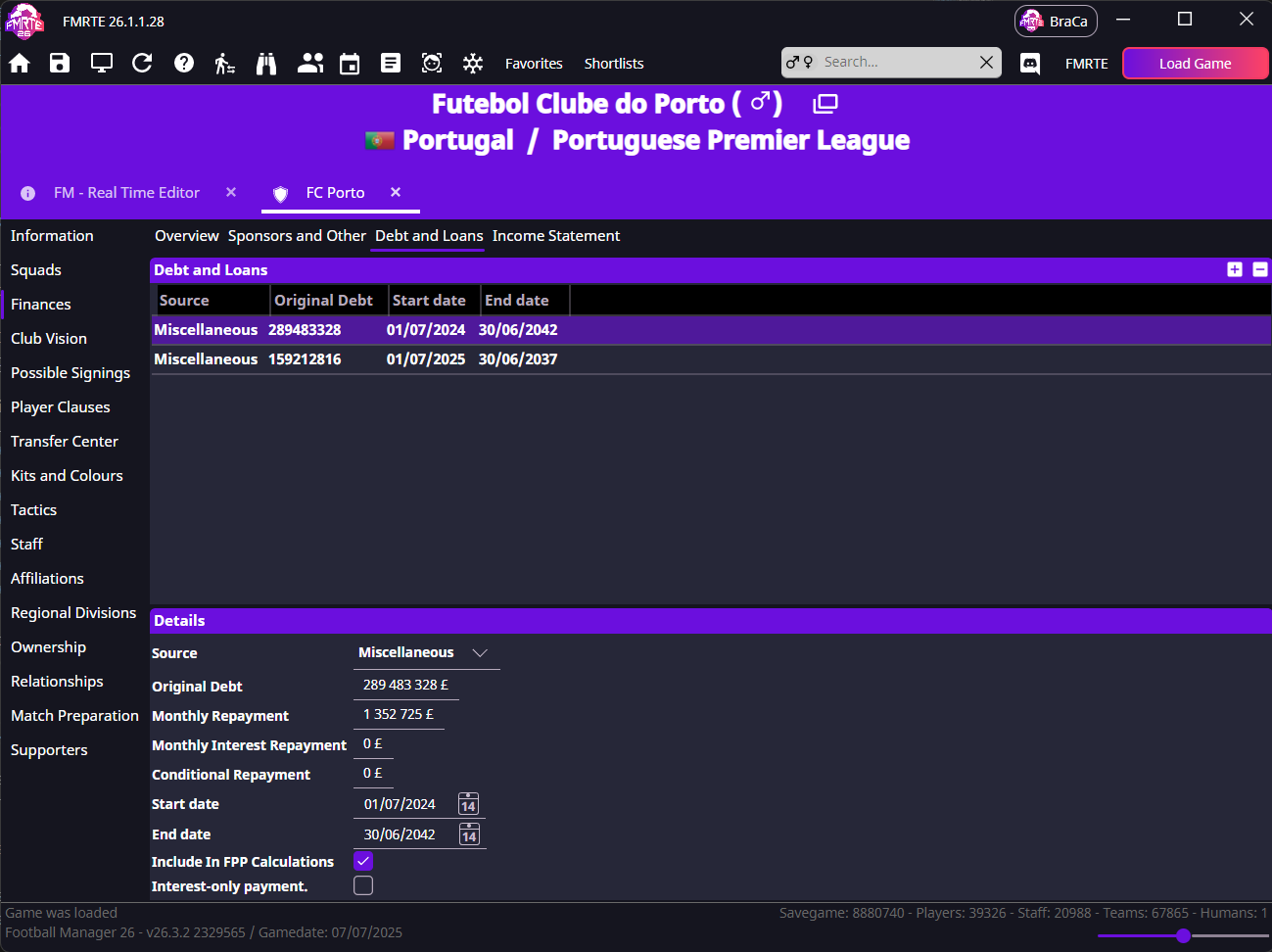
Select a row in Debt and Loans to see its original debt, repayments, interest and dates. Sponsorship and other income also have their own records.
Usual questions
I have wage budget left, but the board limits my offer
Wage Budget is the total allowance. Max Wage (aprox.) is a separate limit for an individual offer.
- Note the maximum offer in Football Manager and its weekly, monthly or annual unit.
- Check that FMRTE's wage units match.
- Adjust Max Wage (aprox.) and save.
- Reopen the same negotiation with the same proposed playing time and compare the allowed offer.
I selected a tycoon: why hasn't money arrived?
Sugar Daddy changes a funding/ownership setting. It does not immediately deposit cash or guarantee a payment date. To add a specific amount now, edit Balance.