Open in
Search and Advanced Search
Search and Advanced Search are free features. No purchase or license is required.
Use the search box for a quick lookup by name or id. For more precise results, use Advanced Search to combine multiple criteria and find specific players, clubs, or staff.
For a complete filter-and-results walkthrough, follow Find young players.
Find a record by name
- Type a name in Search... at the top right.
- Choose Men's Football, Women's Football, or both if needed.
- Press Enter, then double-click the correct result.
The record opens in a tab. If it opens in the background, select that tab or change the search-tab settings.
Use Advanced Search
Advanced Search combines filters to narrow your results. Each search type has its own criteria:
| Search type | Available criteria include |
|---|---|
| Player | Age, nationality, ability, attributes, positions and contract details |
| Coach | Contract details, coaching attributes, scouting attributes and training ratings |
| Club | Facilities, finances and stadium details |
- Open Advanced Search with the binoculars button or
Ctrl+F(Cmd+Fon Mac). - Select Player, Coach or Club.
- Choose the filters you need from the categories on the left.
- Select Ok to run the search.
Fields with minimum and maximum values let you set a range. Narrow ranges and additional criteria reduce the number of matches.
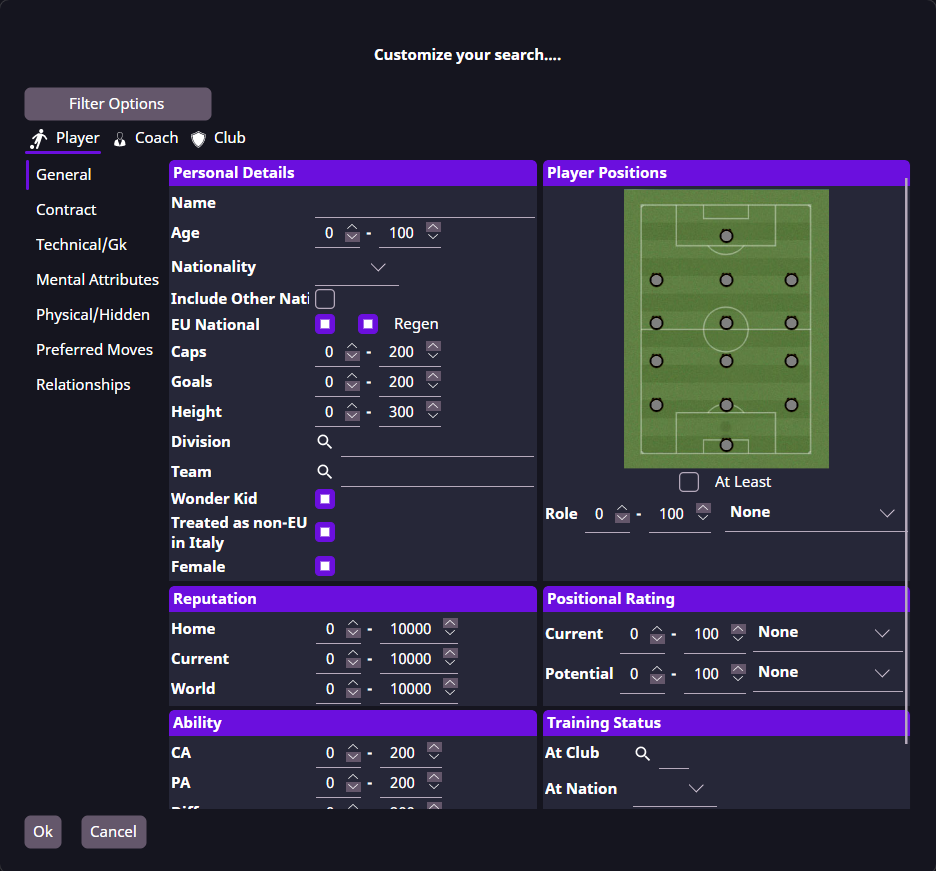
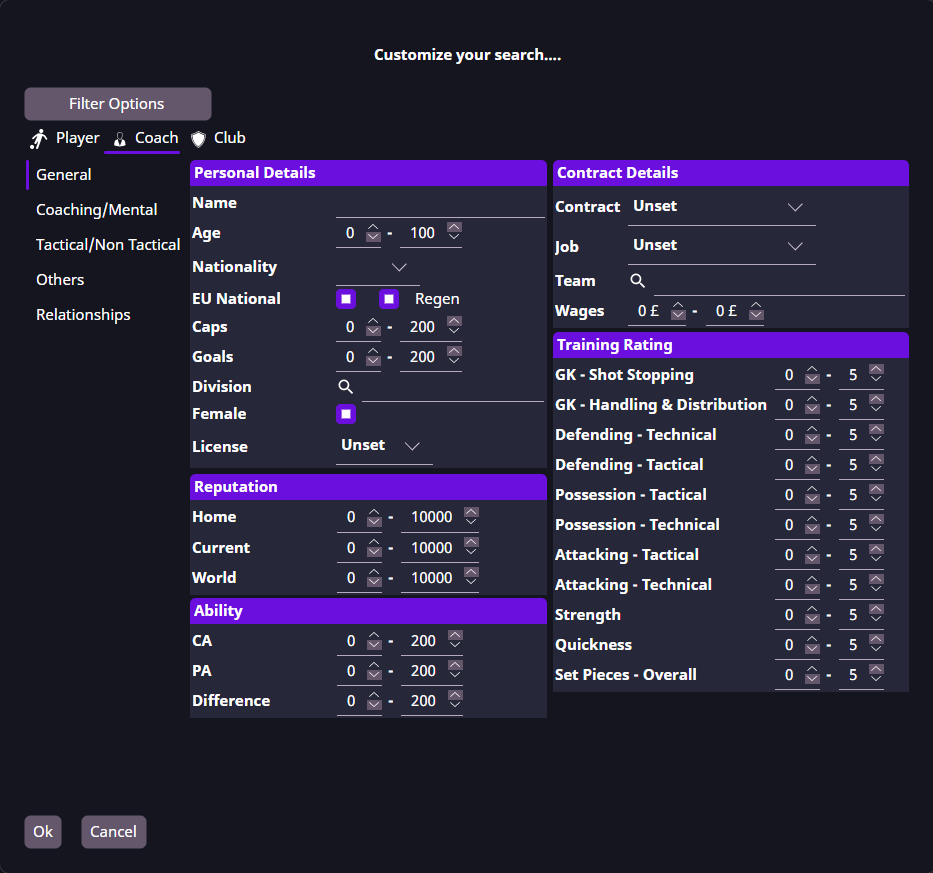
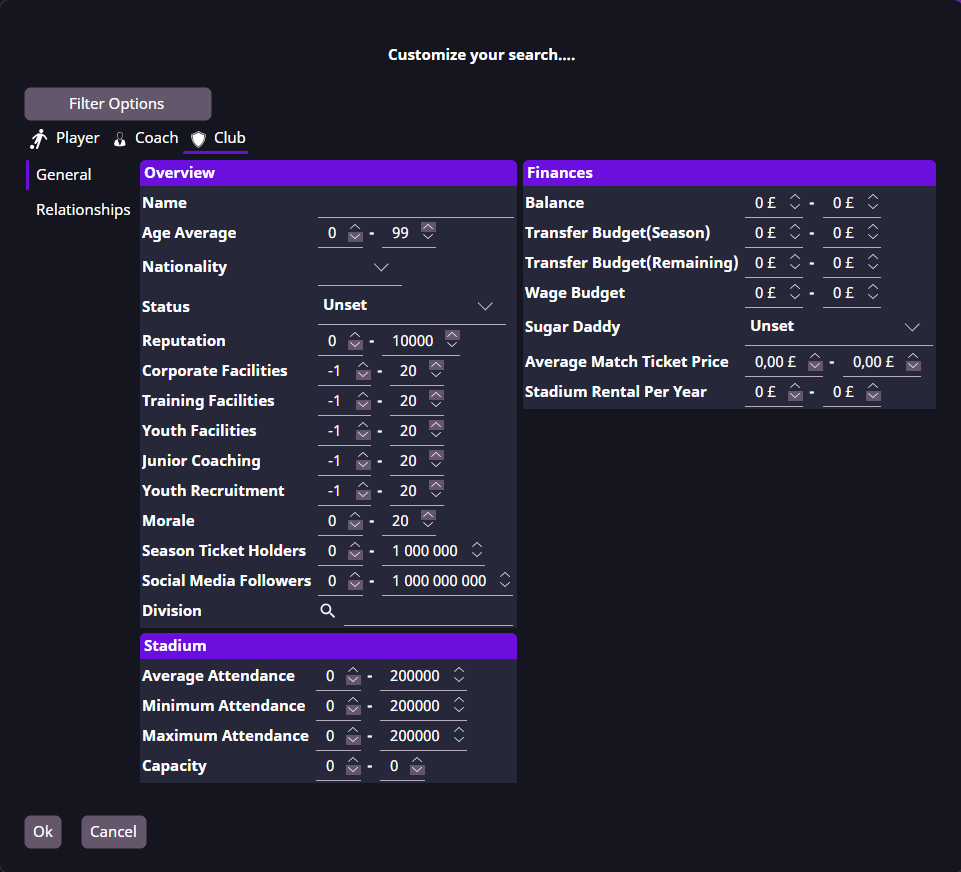
Save and reuse search criteria
Use Filter Options → Save to save your criteria and Filter Options → Load to reuse them. Clear removes the current criteria.
Saved criteria control which records match a search. Column settings control which details appear in the results.
A search asks for a license or returns unexpected results
Scouting is free. If a license prompt appears while configuring search criteria, record the exact category and button, your FMRTE build and a screenshot in a support report.
For missing results, use Filter Options → Clear, then add one criterion at a time. If a player you expect still does not match, include their unique ID and the chosen bounds. For international caps or goals, include the player's actual values and whether the filter accepts the range you need.
If the search stops responding, include the search criteria, how long you waited and whether the rest of FMRTE responds in a support report.
Use the result
Open a record, save players to a shortlist, or edit the group with Mass Edit.