Supported onWindowsmacOSLinux (Steam Deck)
Open in
Club regional divisions
A club's Regional Divisions tab lists the regional competitions the club belongs to, with each one's level and year.
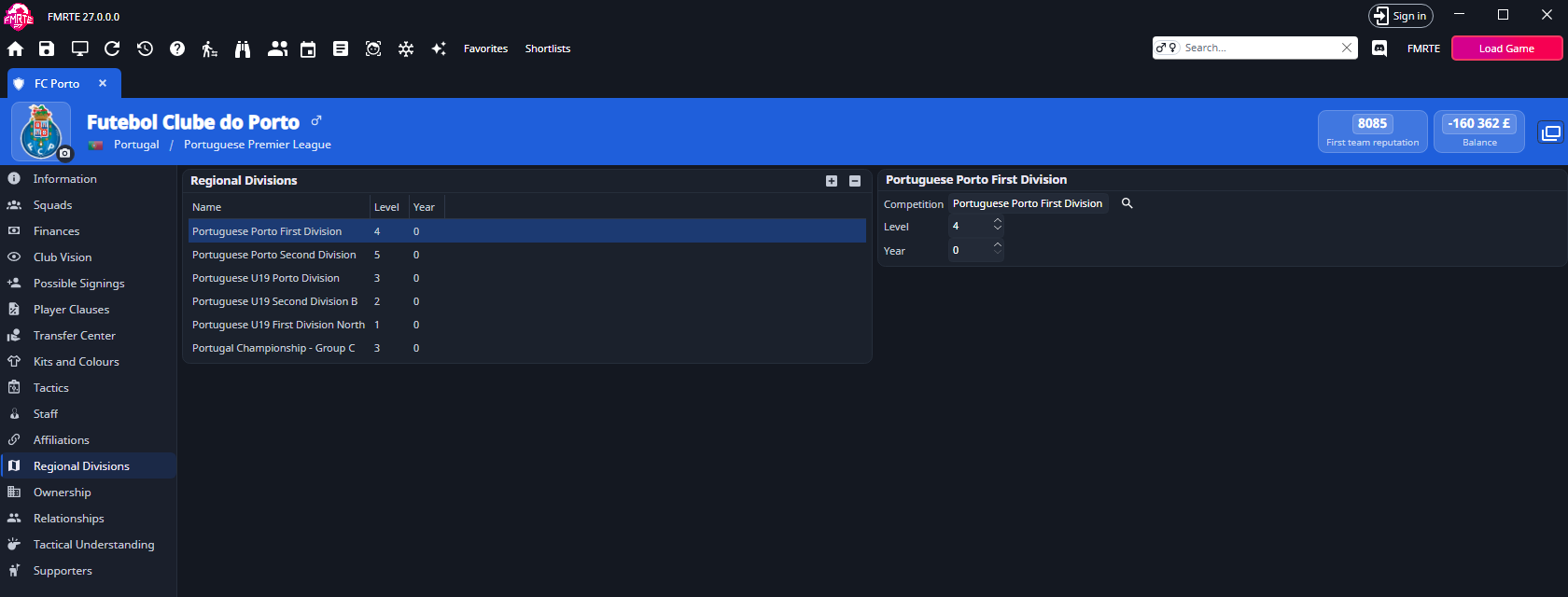
Select a row to see Competition, Level and Year on the right.
Change a division
- Open the club and select Regional Divisions.
- Select the row.
- Select the search button next to Competition to choose another competition, or change Level or Year.
- Select Save Changes.
Add or remove a division
Select + to add a division. FMRTE copies the club's first division, or one from another club when it has none, and selects the copy so you can change it. Select − to remove the selected division. Adding and removing take effect straight away and cannot be undone in Edit History. Both need an activated license.