Supported onWindowsmacOSLinux (Steam Deck)
Open in
Ownership and supporters
Use the club's Ownership tab for owner elections and promises, and Supporters for the supporter profile.
The club's Ownership Type and Chairperson Title are on Information. See Facilities, reputation and attendance.
Ownership
The Ownership tab appears only when the club has an ownership record in the game.
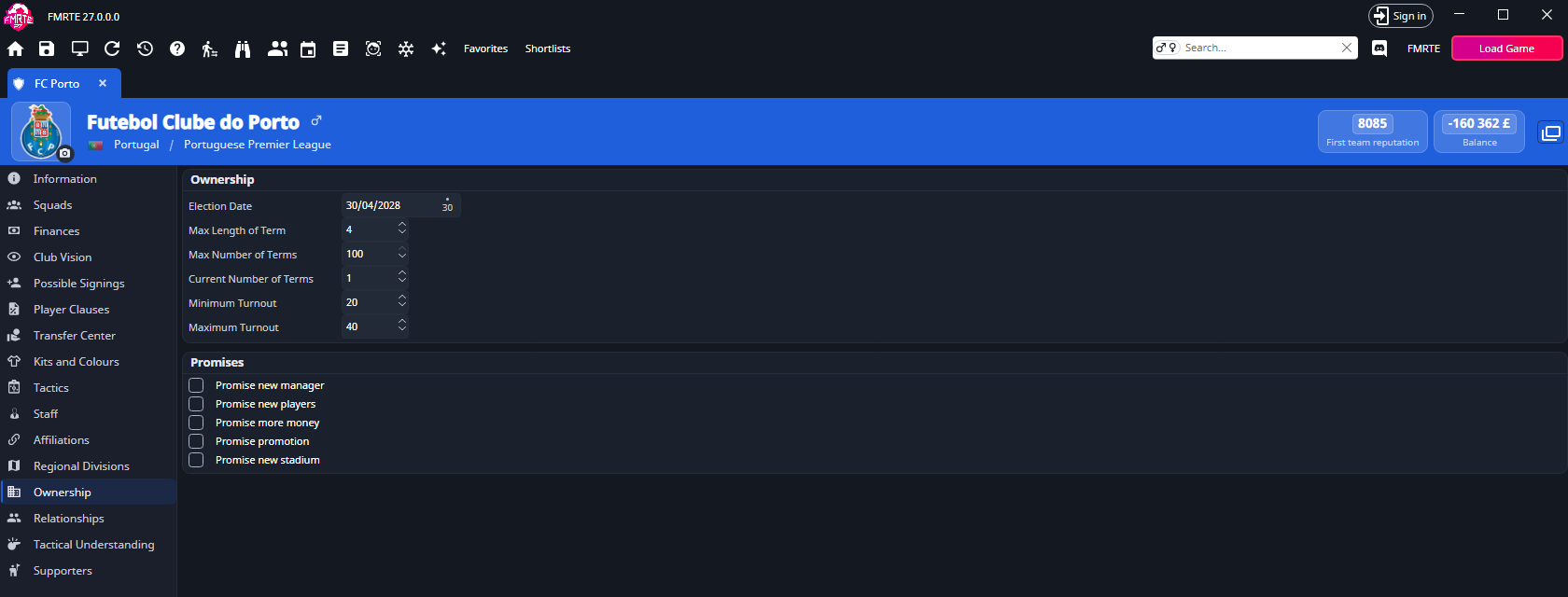
| Field | Values |
|---|---|
| Election Date | A date. |
| Max length of term | 0 to 100. |
| Max number of terms | 0 to 100. |
| Current number of terms | 0 to 100. |
| Minimum turnout | 0 to 100. |
| Maximum turnout | 0 to 100. |
Under Promises, select the promises the owner has made: Promise new manager, Promise new players, Promise more money, Promise promotion and Promise new stadium.
Change the next election
- Open the club and select Ownership.
- Change Election Date.
- Check Current number of terms against Max number of terms.
- Select Save Changes.
Supporters
The Supporters tab has two boxes. It is empty when the club has no supporter profile.
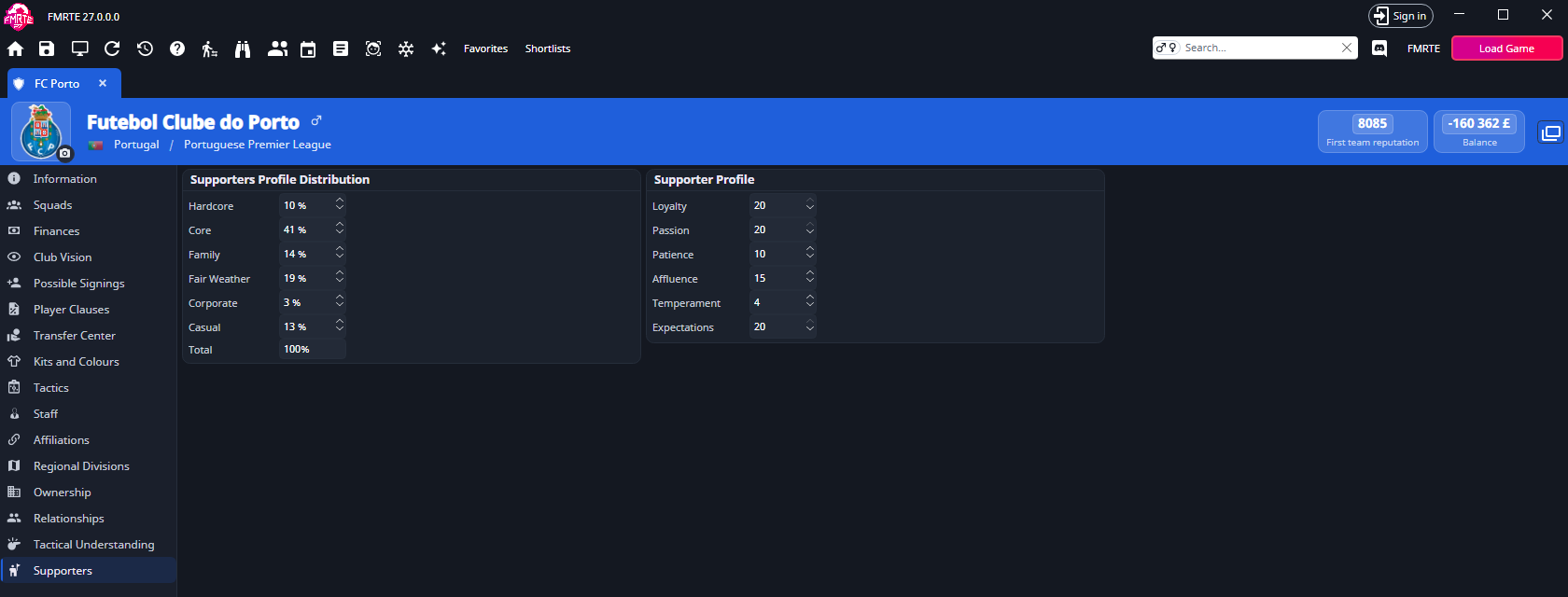
| Box | Fields | Values |
|---|---|---|
| Supporters Profile Distribution | Hardcore, Core, Family, Fair Weather, Corporate, Casual | 0 to 100%. Total adds them up and is read-only. |
| Supporter Profile | Loyalty, Passion, Patience, Affluence, Temperament, Expectations | 0 to 20. |
Change the supporter split
- Open the club and select Supporters.
- Change the groups in Supporters Profile Distribution.
- Check that Total shows 100%.
- Select Save Changes.
warning
The six groups must add up to exactly 100%. Otherwise a red message appears under Total, and on save FMRTE asks whether to continue. Select No and fix the values.