Open in
Editing your manager profile
Open Favorites → Profile to change your manager's information, options, country knowledge, languages or promises.
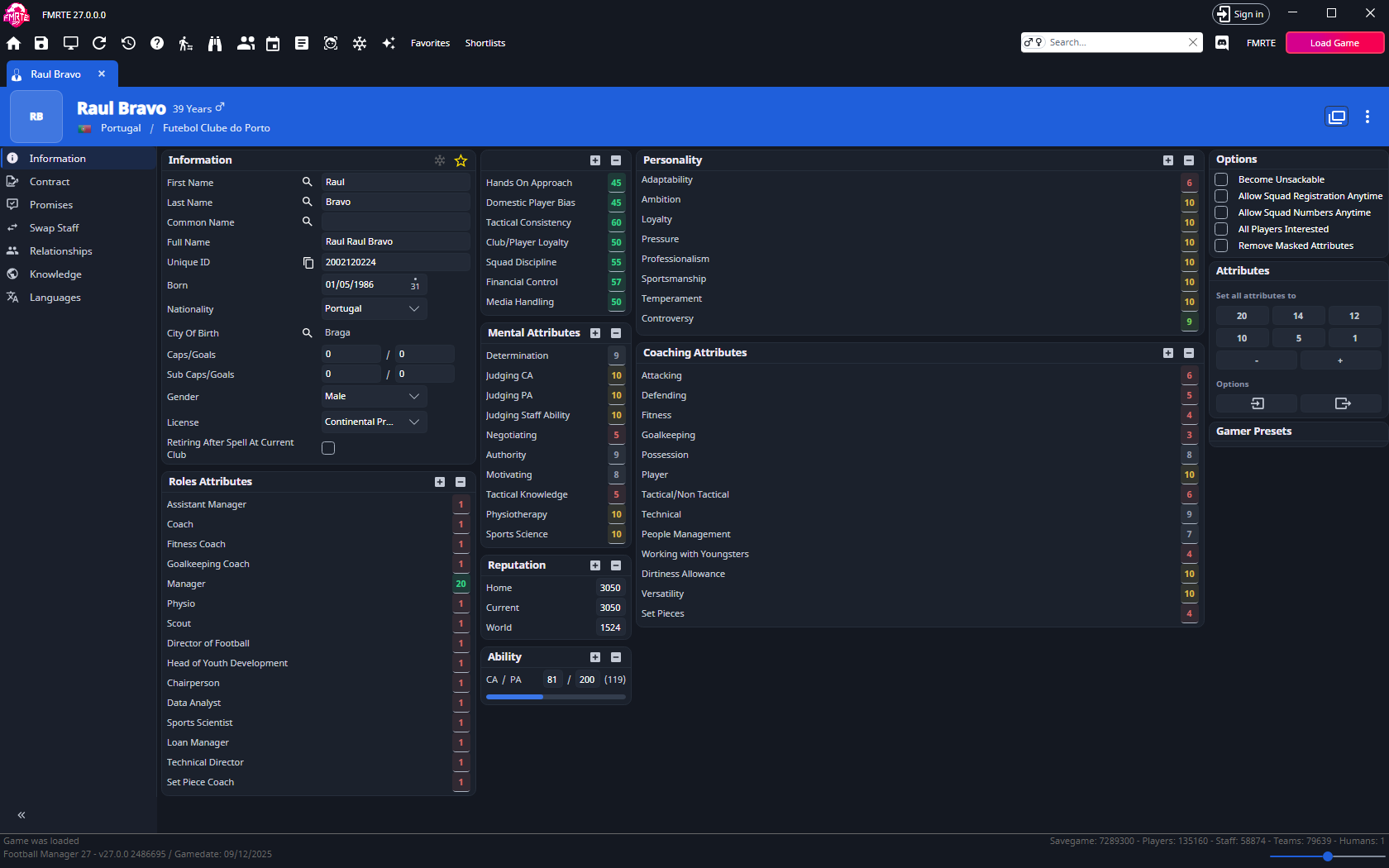
Change one profile option
On Information → Options, choose the setting you need and select Save Changes. Then try the related action in Football Manager.
| Option | Purpose |
|---|---|
| Become Unsackable | Protect your job |
| Allow Squad Registration Anytime | Open registration outside its normal window, other eligibility rules still apply |
| Allow Squad Numbers Anytime | Allow squad-number changes |
| All Players Interested | Change player-interest behaviour |
| Remove Masked Attributes | Reveal masked attribute information |
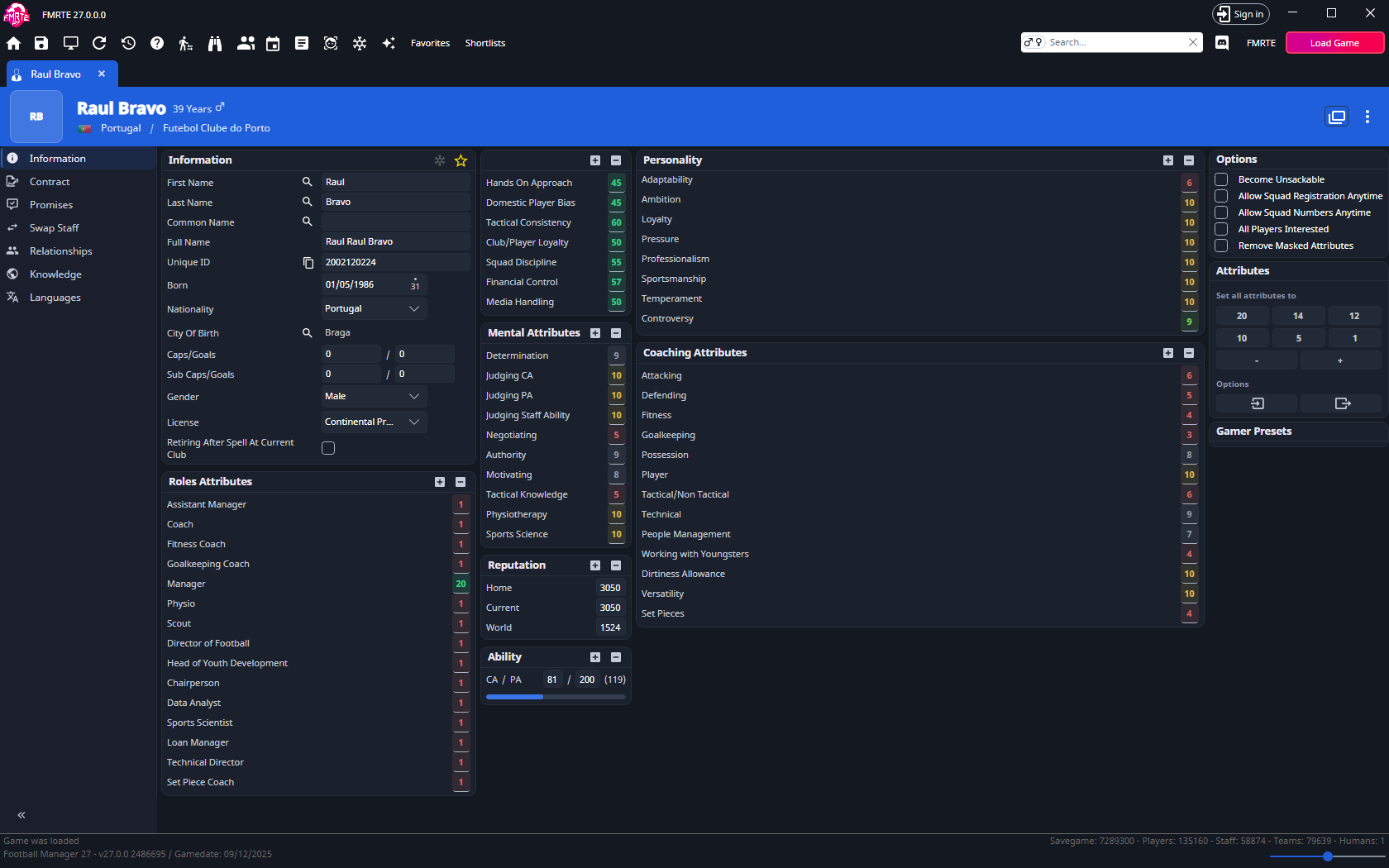
For a squad-number change, enable the option first, then edit Number on the player's Contract. See Registration for competition restrictions.
All Players Interested: must FMRTE stay open?
No, after you apply it, FMRTE can be closed.
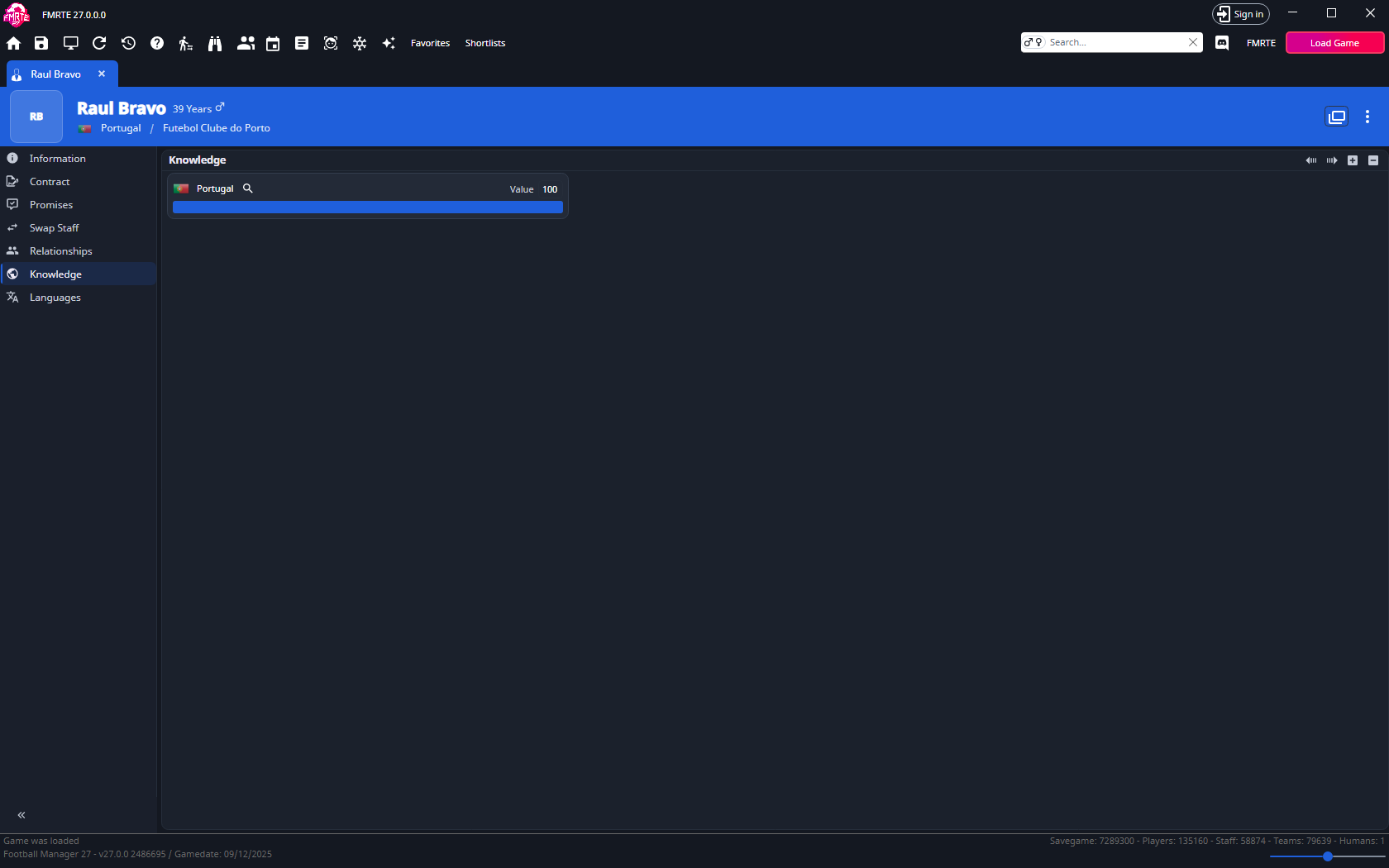
Country knowledge
- Open Knowledge and use + to add a country, or select an existing row.
- Check whether the record belongs to the men's or women's database.
- Set the value and save. Use − to remove a selected entry.
- Check your scouting knowledge in Football Manager.
Languages
Open Languages, add or remove entries with + / −, and set a level from 0 to 10. Save and check your manager profile in Football Manager.
Promises
Open Promises to see the promises your manager made to players. Change a promise's type or dates and save, or select it and use − to remove it. To make a new promise, open the player and use their Promises tab.