Supported onWindowsmacOSLinux (Steam Deck)
Open in
Exporting and importing a player template
Export saves a reusable player profile. Import copies your selected categories into an existing player, it does not create a clone.
Export a known profile
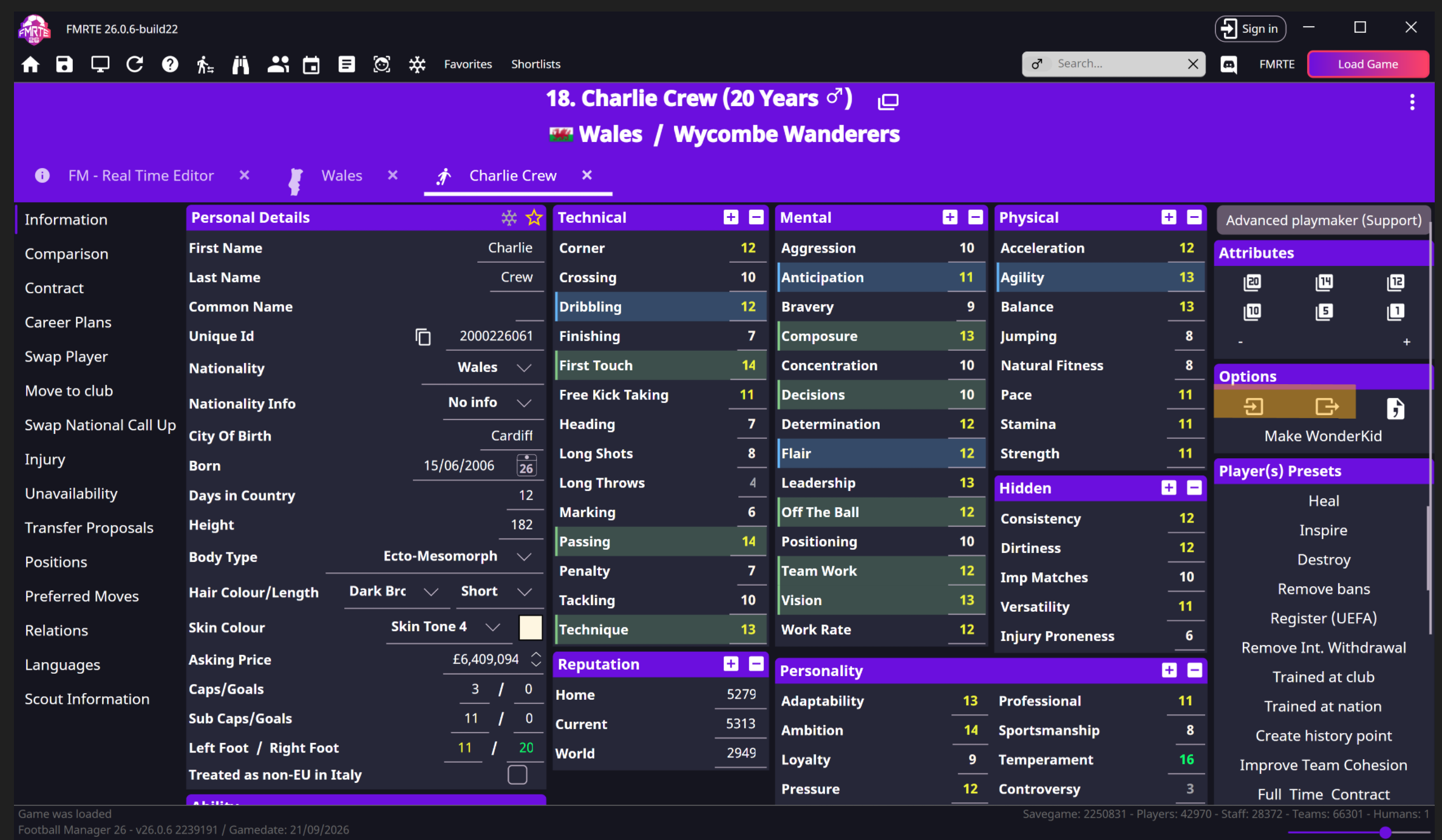
- Open the source player's Information page.
- Select Export in Options.
- Save the file with a recognisable name, such as
box-to-box-midfielder.
Choose what import is allowed to change
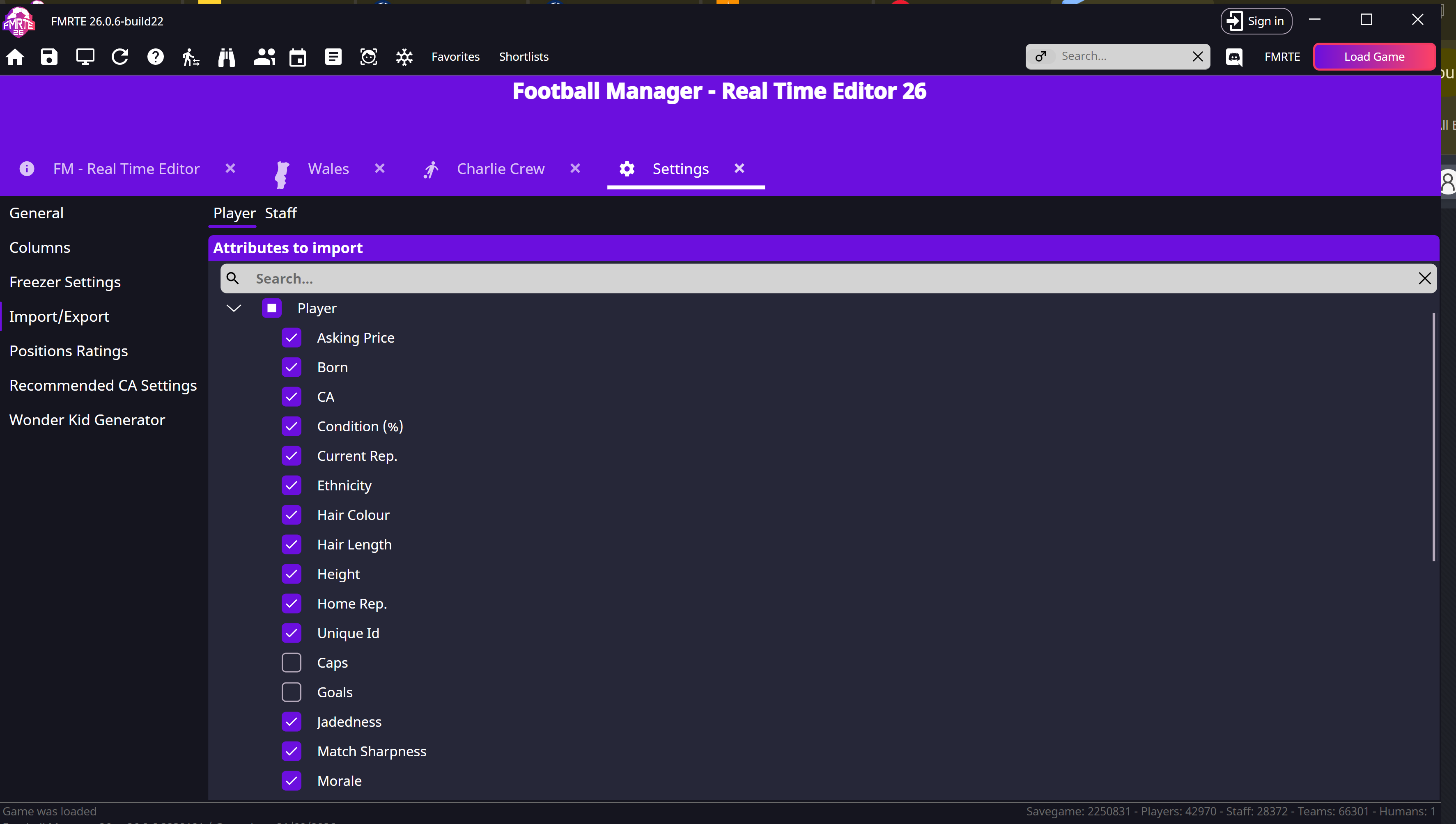
- Open FMRTE → Settings → Import/Export.
- Expand Attributes to import → Player.
- Select only the categories you want to copy.
- Save Settings.
Import into the intended player
- Open the target player and select Import.
- Choose your exported file.
- Check the changed fields before selecting Save Changes.
- Reopen the player in Football Manager and confirm the result.