Supported onWindowsmacOSLinux (Steam Deck)
Open in
Creating a wonderkid
Make WonderKid changes an existing player for a chosen position, role and duty. It does not create a new person.
Prepare the player
Open the player's Information page and select a position, role and duty in the role selector. The generator requires this selection.
Generate and save
- Select Make WonderKid in Options.
- Choose whether to export the original profile when prompted.
- Review the generated attributes, CA, RCA and PA.
- Select Save Changes and check the player in Football Manager.
Each run is random. Running it again replaces the previous unsaved result.
Change the probability ranges
- Open FMRTE → Settings → Wonder Kid Generator.
- Adjust the ranges for key, important, other, personality and hidden attributes, or Potential Ability.
- Save Settings, return to the player and run the generator again.
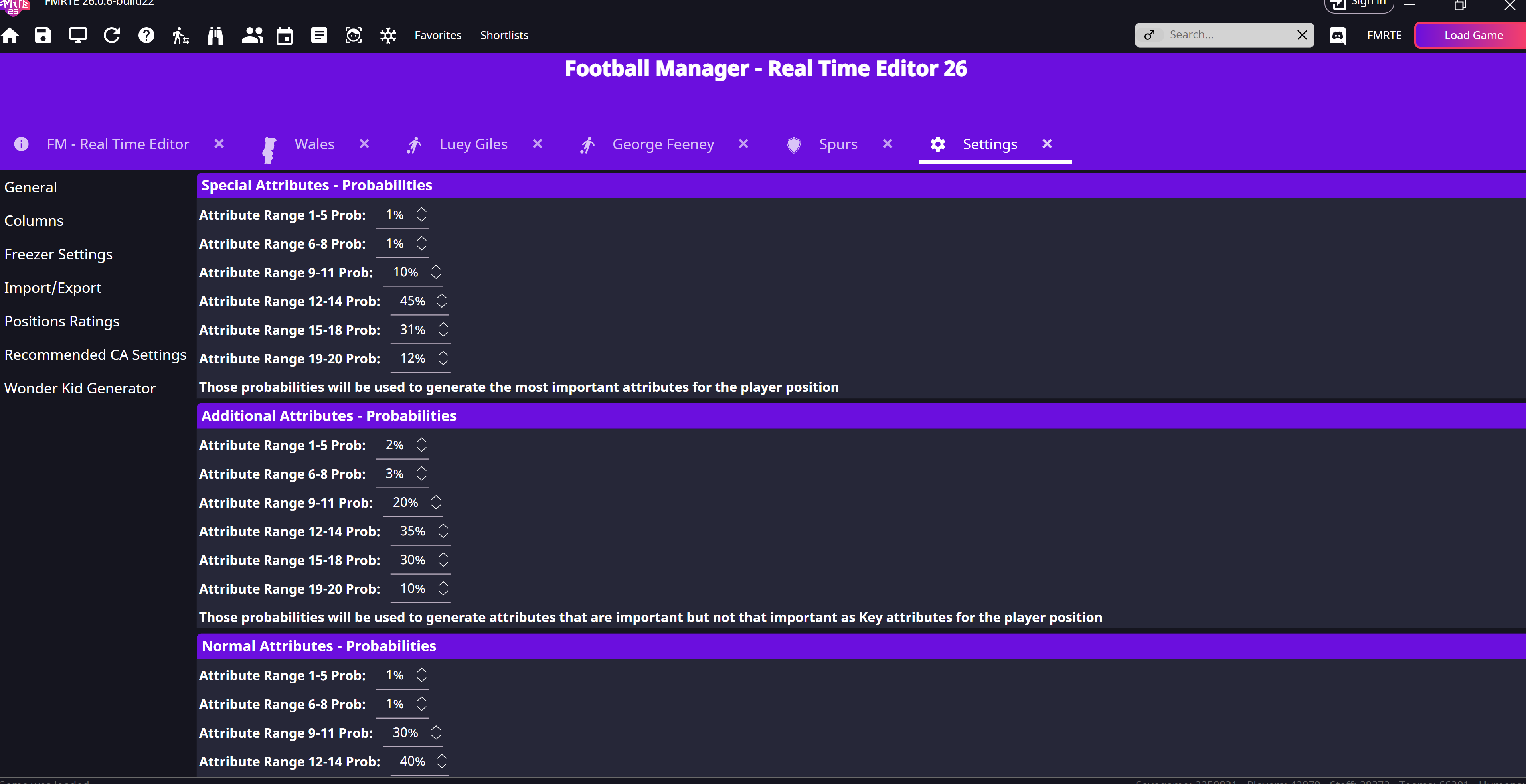
These ranges influence the generated result, they do not set every attribute to a fixed value.