Supported onWindowsmacOSLinux (Steam Deck)
Open in
Editing an award
An award's page shows a Football Manager award, such as World Footballer of the Year, and lets you change its reputation values.
Open an award
Search for its name or ID in Quick Search. Awards have their own group in the results. Select the award to open it.
The award opens in its own tab, with its name in the header. The tab stays open after Load Game like other record tabs.
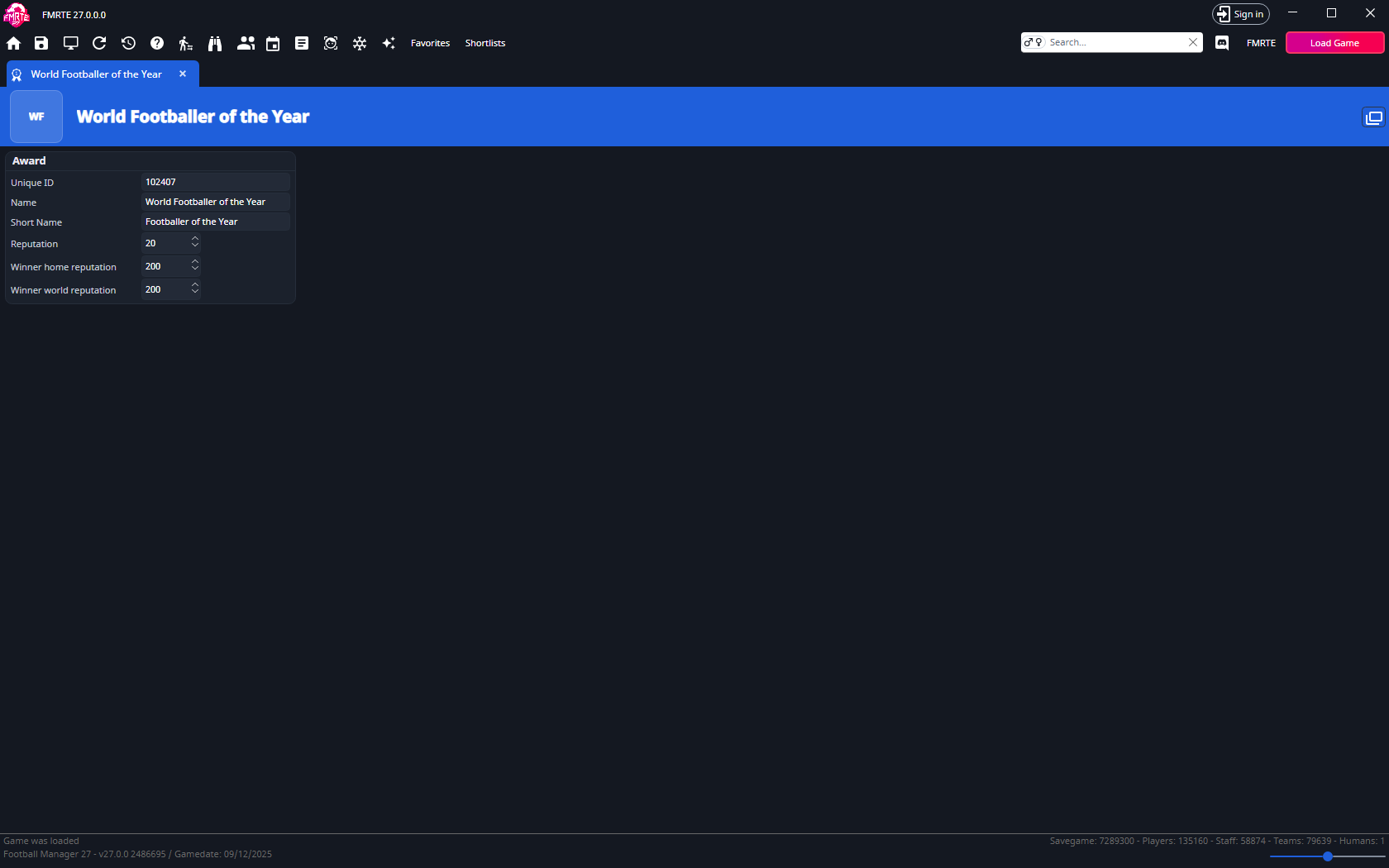
Award
| Field | What it holds |
|---|---|
| Unique ID | The award's ID. Read-only. |
| Name and Short Name | The award's names. Read-only. |
| Reputation | The award's reputation, from 0 to 30. |
| Winner home reputation | The winner's home reputation value for the award, from 0 to 255. |
| Winner world reputation | The winner's world reputation value for the award, from 0 to 255. |
Select Save Changes in the toolbar to write your changes to the game. Save in Football Manager to keep them. Award edits appear in Edit History, where you can undo them.
Award columns
In the full search results, the award list can show the ID, name, short name, reputation and winner reputations as columns. These columns are read-only. Edit the award on its own page. Add them with Add/Remove columns.